
Geographic Information System (GIS) Handbook
Geo-informatics Manual
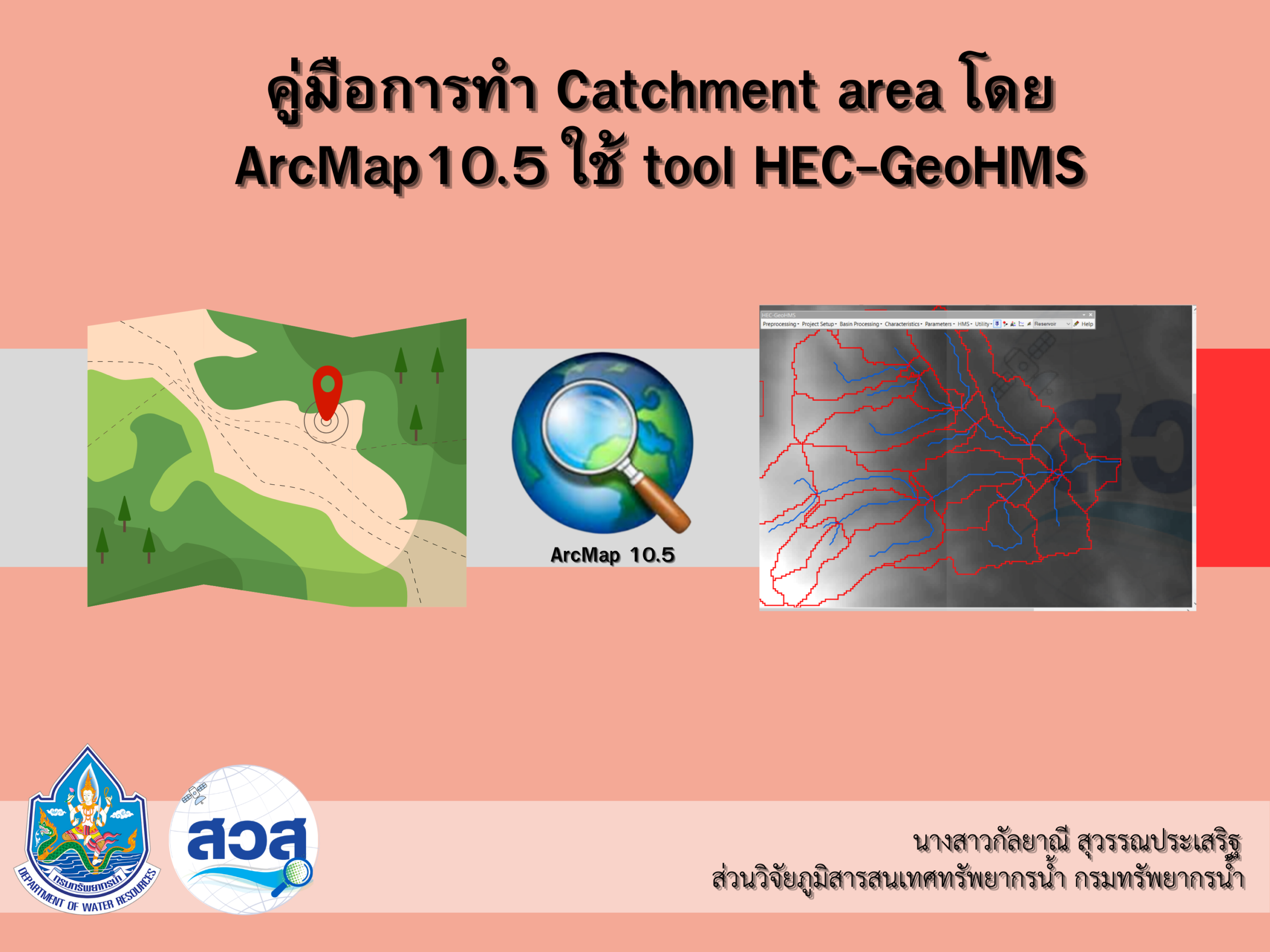 |
Guide to Creating Catchment Areas by HEC-geoHMS tools And ArcMAP 10.5. |
|
|
content 1. Data preparation and project creation: Users need to create folders and organize their projects systematically, ensuring that all necessary information is included, such as the DEM (Digital Elevation Model). 2. Processing process: DEM reconditioning involves various operations up to the Adjoint Catchment Processing stage, in a sequential manner. 3. Visual selection of areas: Use drainage lines to identify the areas where water flows into the reservoir and to specify appropriate outlets. 4. Adding Project Points: Users must select the appropriate intersection point between the reservoir crest and the riverbed to define the entire catchment area.
|
||
|
objective To help users analyze and determine efficient and suitable water catchment areas for water resource management, such as planning the construction of dams or reservoirs, using the tools available in ArcMap 10.5 in conjunction with the HEC-GeoHMS extension.
|
||
|
Download: Guide to Creating a Catchment Area |